
Author
Pixels Mark
Release
Intensity
11 MIN READ
This guide covers the design decisions that separate a logo that lasts from one that looks outdated in six months.
Your logo is often the first thing a potential client sees before they ever look at your portfolio. In a field as visually competitive as photography, that first impression carries real weight. A strong logo communicates your style, your market, and your professionalism before a single word is read.
Most photographers put branding off because they assume it requires design skills or a significant budget. Neither is true. What it requires is understanding a few core principles and making deliberate decisions rather than defaulting to whatever looks good in the moment.
This guide covers the photography logo design tips that actually make a difference, from font choices and color palettes to common mistakes that undermine otherwise good work.
No Credit Card Required SVG & PNG Download Free
What Makes a Good Photography Logo
Before getting into specific tips, it helps to understand what separates a logo that works from one that blends into the background.
- Simplicity. The logos that hold up over time are the restrained ones. If it looks complicated at first glance, it needs more work. A logo has to communicate clearly at 20 pixels and at 2000 pixels.
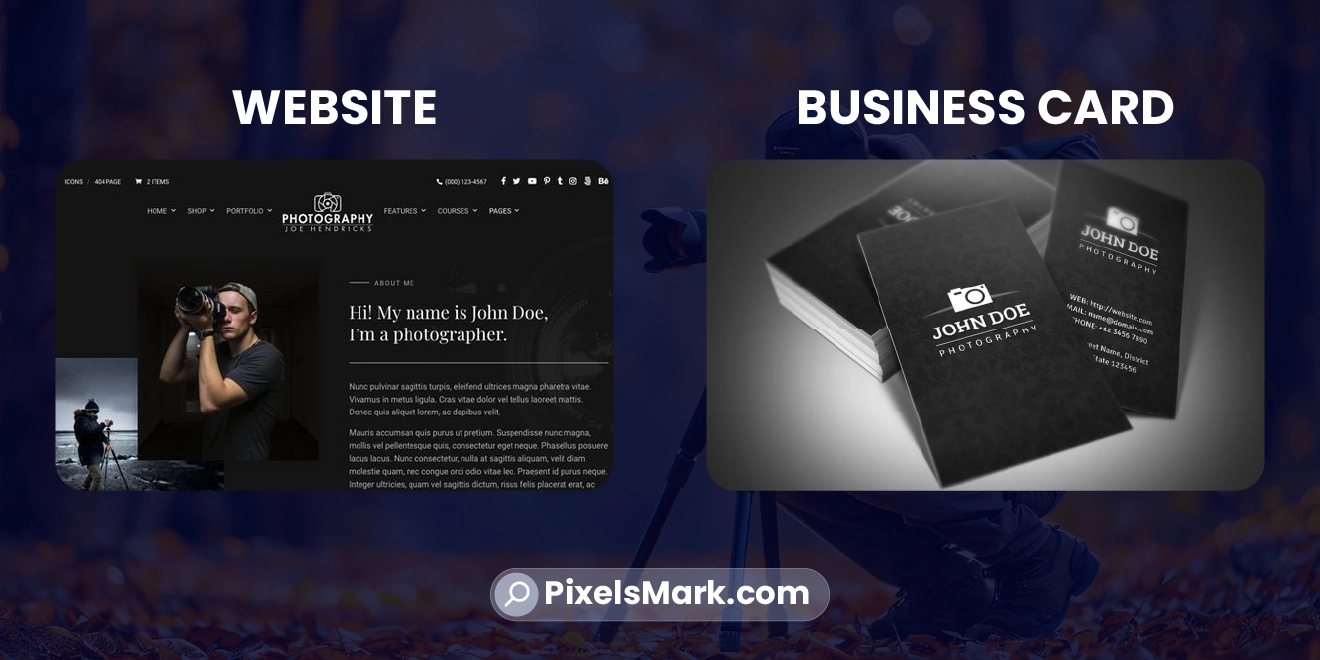
- Scalability. Your logo appears on your website header, your business cards, your social media profile, and as a watermark on every image you share publicly. It has to work at all of those sizes without losing legibility or looking distorted.
- Relevance to your niche. A wedding photographer and a drone photographer serve completely different clients with completely different expectations. The logo that feels right for one would feel wrong for the other.
If you shoot weddings specifically, our dedicated guide on wedding photographer logo ideas covers the font choices, color palettes, and style directions that work best for this niche.
Best Photography Logo Design Tips
1. Choose the Right Font Style
Font choice is where most photographers make their biggest logo mistake. They either pick something decorative that looks impressive at large sizes but falls apart at small ones, or they default to a generic system font that communicates nothing about their brand.
In most cases I have seen, photographers struggle more with choosing direction than actually creating the logo. The design tool is easy. Knowing what your brand should feel like is the hard part.
The right font depends entirely on your niche and the clients you want to attract.
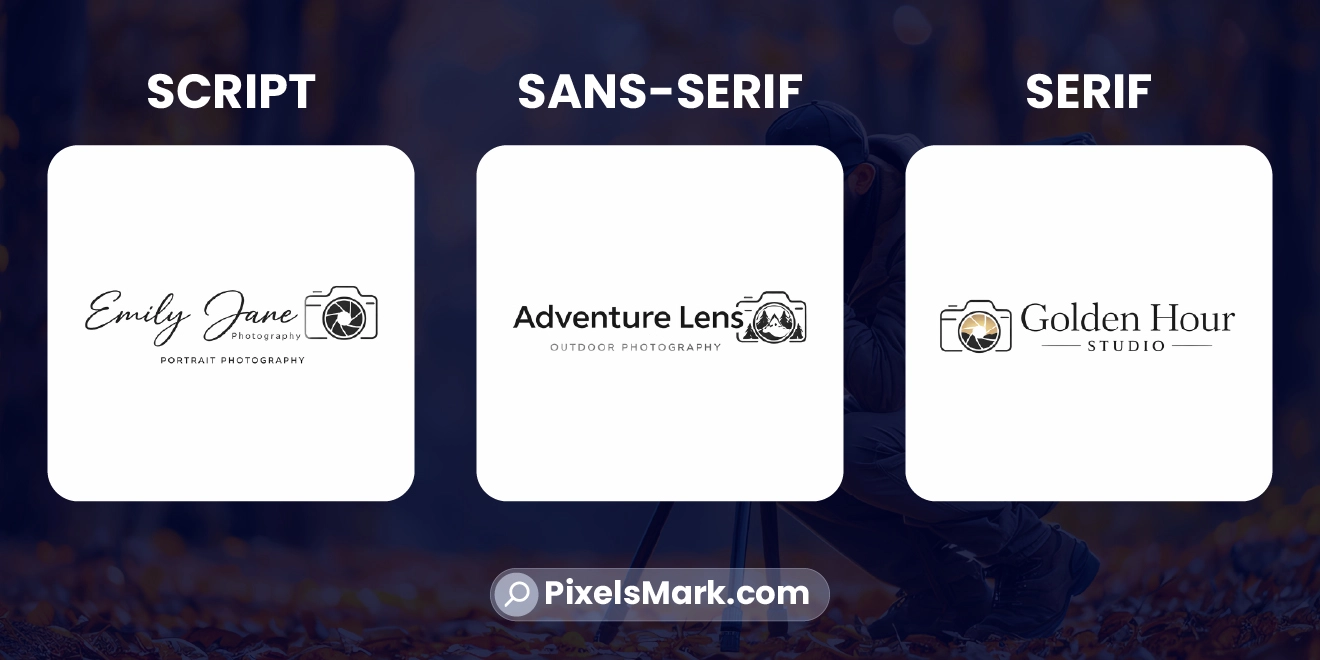
- Script and signature fonts work well for wedding, portrait, and lifestyle photographers. They feel personal and warm. The risk is choosing a script that is too thin or too ornate. A beautiful script that loses legibility when scaled down to watermark size defeats the purpose entirely.
- Geometric sans-serif fonts suit commercial, drone, and editorial photographers. Clean, modern, and highly legible at small sizes, these fonts communicate precision and professionalism.
- Classic serif fonts work for fine art, fashion, and high-end portrait photographers. Serifs carry associations with heritage and craft that feel appropriate for photographers working in premium markets.
Whatever you choose, test it at 150 pixels wide before committing. That is roughly how small your logo appears as a watermark on a shared social media image. If it still reads clearly at that size, it works.
Font Style by Photography Niche
| Niche | Best Font | Style | Why It Works |
|---|---|---|---|
| Wedding | Script / Serif | Elegant, warm | Feels personal and premium |
| Commercial | Geometric Sans-Serif | Clean, modern | Signals precision and authority |
| Portrait | Refined Sans / Script | Approachable | Balances trust and personality |
| Travel | Bold / Mixed | Creative, adventurous | Reflects environments and energy |
| Fine Art | Classic Serif | Timeless, considered | Communicates craft and heritage |
2. Use Minimal and Clean Design
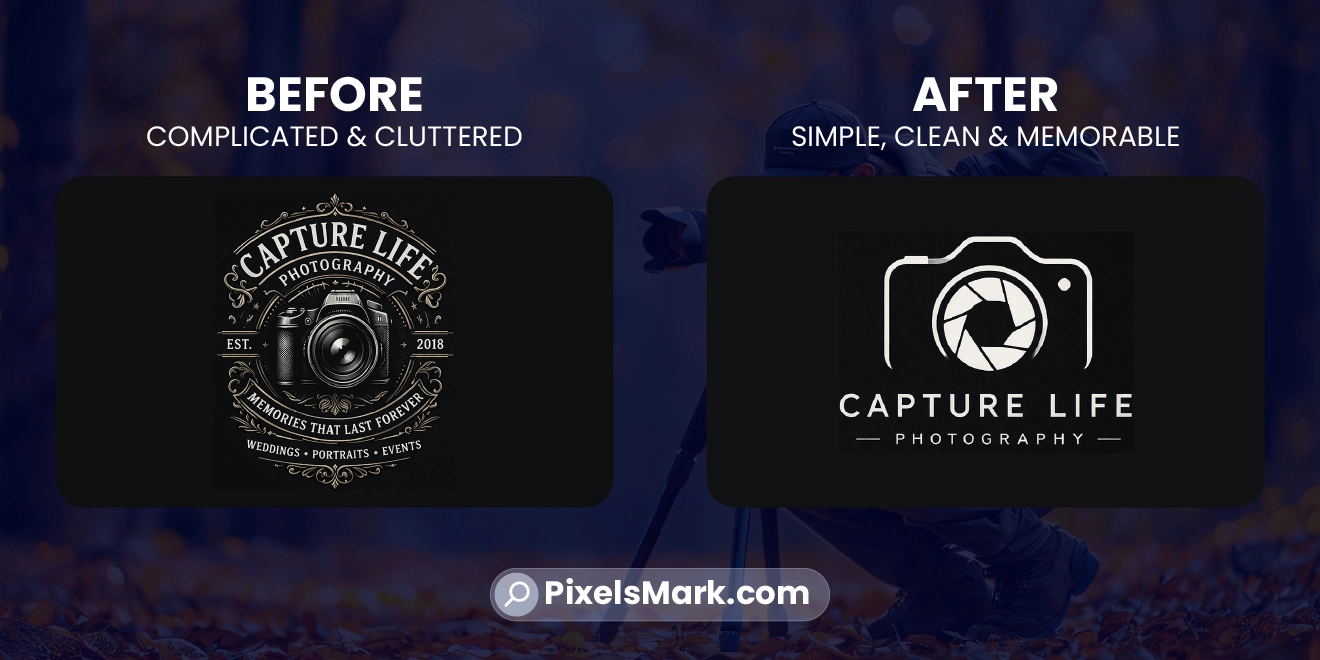
Restraint is the defining quality of logos that last. Every element in a logo should earn its place. If removing it does not change what the logo communicates, remove it.
This is harder than it sounds. There is a natural instinct to add detail to make something feel more complete or professional. In logo design, the opposite is usually true. The more you strip away, the stronger the core idea becomes.
A clean monogram, a refined signature, or a simple wordmark in a well-chosen font will almost always outperform a complicated mark with camera icons, lens elements, aperture shapes, and decorative borders all competing for attention.
3. Pick Colors That Match Your Style
Color is one of the most underused tools in photography branding. The palette you choose signals what kind of work you do and who you do it for before a single word is read.
- Warm golds, ivory, and blush tones suit wedding and luxury portrait photographers. They carry emotional weight and signal premium positioning.
- Black and white with a single accent color works well for commercial and editorial photographers. It communicates authority without warmth.
- Earthy tones, deep greens, and sky blues suit travel and outdoor photographers. They feel grounded and active
Always test your logo in black and white before finalizing it. A logo that only works in color has a structural problem. Black and white forces you to evaluate the design itself, not just the color application.
4. Keep It Versatile for Watermark Use
Your logo is going to appear on every image you share publicly. That means it needs to work at small sizes, at reduced opacity, and over both light and dark backgrounds. Most logos are not designed with this in mind.
Before you finalize any logo, place a transparent PNG version over one of your photos at 40 percent opacity. If it looks cluttered, hard to read, or draws too much attention away from the subject, it needs to be simplified.
For more on how different watermark styles work in practice, our guide on watermark logo ideas covers design decisions specific to watermark use across different photography niches.
5. Think About Long-Term Branding
The logo you build today is going to represent your work for years. It will appear on thousands of images, across dozens of platforms, in contexts you cannot fully predict right now.
That is an argument for restraint over trendiness. A logo built around a 2026 design trend will feel dated by 2028. A logo built around a clear, timeless concept will keep working.
For a clear picture of which styles are holding up and which are fading, our breakdown of photography logo trends in 2026 covers what is actually resonating with clients right now.
Common Mistakes to Avoid
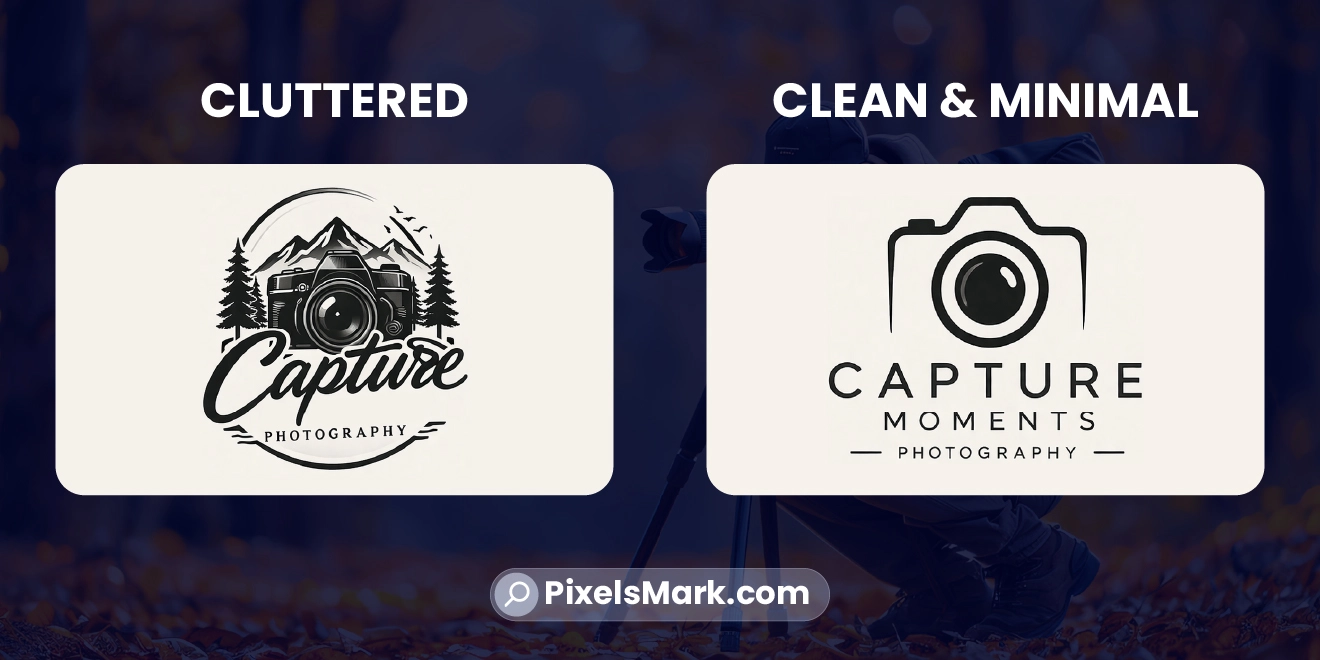
Most photographers struggle with the temptation to make their logo do too much. It does not need to show what you shoot, where you are based, how long you have been in business, and what your personality is. It needs to look like yours and work at any size. That is the whole job.
- Overcomplicated logos. Every camera icon, lens element, and decorative border you add makes the logo harder to reproduce at small sizes. Simplify relentlessly.
- Too many colors. A two-color logo is more versatile and more professional than one with multiple shades. Three or more colors is almost always too many for a photography logo
- Poor font choices. A font that looks good in a mood board but falls apart at 100 pixels wide is not a logo font. Test every font at actual watermark size before committing.
- Not testing as a watermark. A logo that looks great on a white background can become invisible or distracting when placed over a photograph at reduced opacity. Test before you finalize.
- Chasing trends. A logo built around what is popular right now will need to be replaced before it has had time to become associated with your work.
How to Turn Your Logo Into a Watermark
Once your logo is finalized, using it as a watermark is straightforward. Export a transparent PNG at the largest size you expect to need, typically 2000 pixels wide or wider. This becomes your master watermark file.
Set opacity between 30 and 50 percent when placing it over images. Test over both a light background and a dark background before settling on a final opacity.
For a complete step-by-step guide on the watermark creation process, our guide on how to make a photography watermark covers every practical decision from style selection to final export.
Tools to Create a Photography Logo
- Canva has a large template library and is easy to use. Most templates are designed for general businesses rather than photographers, which means you will need to do manual customization to get a result that feels right for your niche.
- Adobe Photoshop gives you the most design control of any tool available. It is also the most complex and requires a paid subscription.
- Pixelsmark is built specifically for photographers. Where Canva gives you generic business templates, Pixelsmark is trained on photography branding. It produces results that actually fit the visual language photographers need, with styles for wedding, portrait, commercial, drone, fashion, and travel photography. It exports in transparent PNG and SVG formats ready for watermark use, and it is completely free with no credit card required.
If you are deciding between using a logo tool yourself and working with a professional designer, our photography logo maker vs custom logo design guide explains the differences in creative control, originality and file delivery to help you choose the right route.
If you are just starting out and want a beginner-friendly walkthrough of the full process, our guide on how to create a photography logo online covers every step from style selection to final download.
No Credit Card Required SVG & PNG Download Free
Frequently Asked Questions
What should a photography logo include?
At minimum, your name or studio name in a font that reflects your brand. Many photographers add a simple icon, monogram, or signature element. The key is that every element should serve the logo, not decorate it. Keep it to one or two elements maximum.
Should photographers use text or icon logos?
Both work. Text-only logos are often the most versatile because they are instantly searchable and readable at any size. Icon logos work well once the symbol has enough recognition to stand alone. Most photographers benefit from starting with a wordmark or text-plus-icon combination, then simplifying to icon-only once the brand is established.
What is the best font for a photography logo?
It depends on your niche. Wedding and portrait photographers do well with script or refined serif fonts. Commercial and drone photographers should use clean geometric sans-serifs. Fine art photographers tend toward classic serifs. Whatever you choose, test it at 150 pixels wide before committing.
Can I use my logo as a watermark?
Yes, and it is one of the most effective ways to build brand recognition over time. The key is designing your logo with watermark use in mind from the start. Test it over actual photographs at 40 percent opacity before finalizing. If it reads clearly and does not distract from the image, it works.
How long does it take to create a photography logo?
With the right tool, the process takes under fifteen minutes. Entering your name, choosing a style that fits your niche, and downloading the files you need is fast. The decision-making, knowing which direction fits your brand, takes longer than the actual creation.
Conclusion
A strong photography logo is not the most complex or the most on-trend. It is the one that accurately represents the quality of your work and speaks directly to the clients you want to attract.
Start simple. Choose a font that matches your niche. Test everything at watermark size. Commit to one direction and apply it consistently. That process builds more brand recognition over time than any amount of redesigning.
For photographers ready to build their logo today, Pixelsmark gives you photography-specific designs with proper export formats, completely free.
References
- Adobe: Logo Design and Brand Identity Principles (adobe.com)
- Canva Design School: Building a Visual Identity (canva.com)
- AIGA: Principles of Visual Identity Design (aiga.org)
- Nielsen Norman Group: First Impressions and Brand Trust (nngroup.com)